***Please use incognito mode for this step of the process. We need to use incognito mode for all forms to prevent the browser from saving and auto-filling previously entered data. Since these forms are used multiple times, cached information could lead to incorrect or duplicated entries. Using incognito mode ensures that each submission starts with a clean session and accurate data input.***
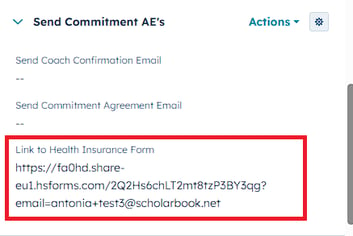
On your contact page, find the section Commmitment Details and then the property Link to Health Insurance Form in the left sidebar. (See screenshot below) Then open the form by clicking on the arrow.
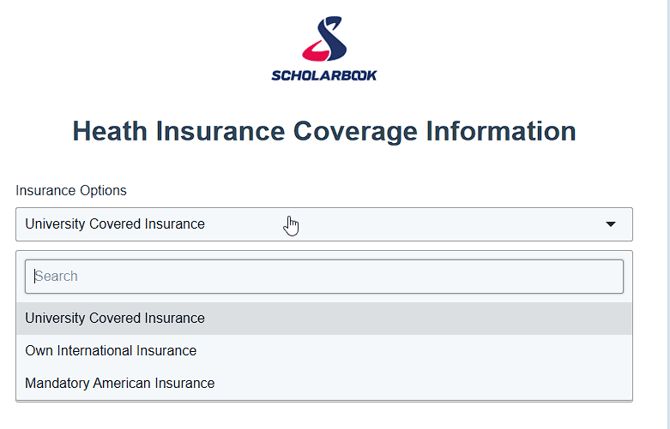
In the form please select the option that fits best for your client. After you selected the option you still get the chance to change the text that is shown.
Once you are done submit the form and it will send out the AE to your client.