
The contacts page shows you all of your contacts in a list view. By clicking on the clients name it will open that client and you will see the clients page.
The contacts page can be used with different filters to have a better overview of which clients are in which state of the process right now (first talk needed, promoted but not committed etc.). We have built different views for all of the cases and you can use those views to make it easier in your daily business.
This is the contacts list view page. It currently shows the view "All my clients". 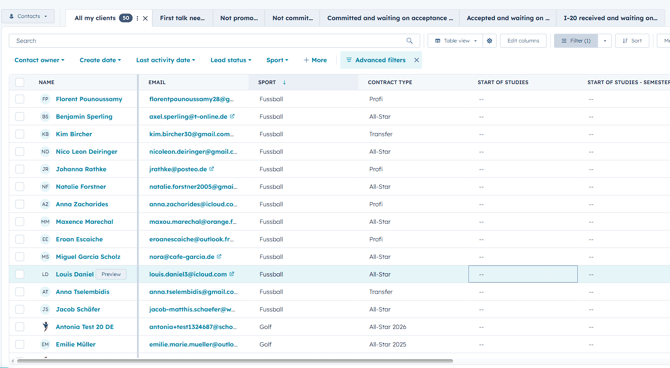
To add more views you can click on the plus and then "Add View". 
Please add the following views to make your daily business easier:
1. All my clients
3. Not promoted
5. Committed and waiting on acceptance letter