In your view on the very right click on the clone button (marked in red)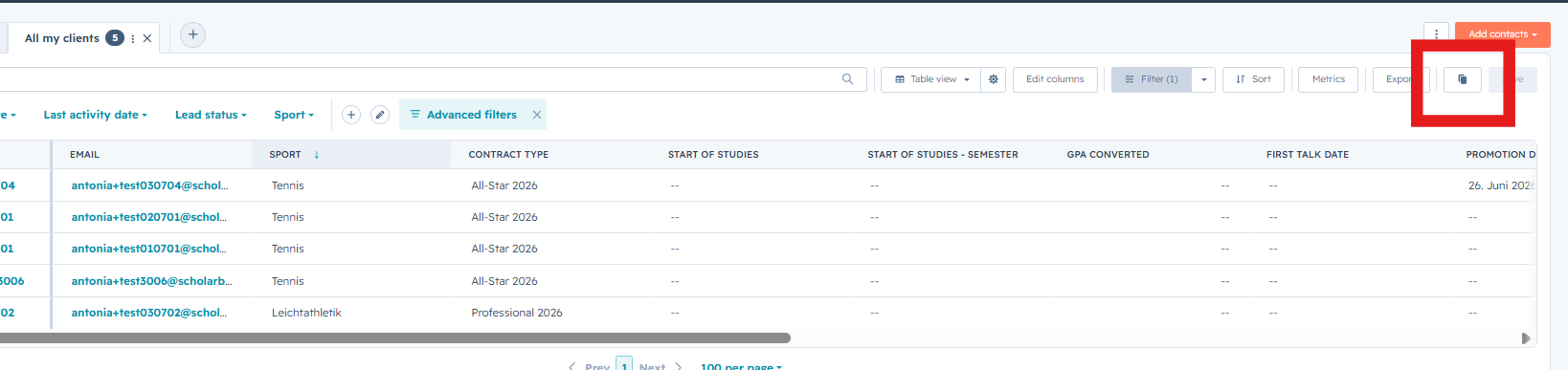
Then you can give the view a name (example: All my clients - Antonia)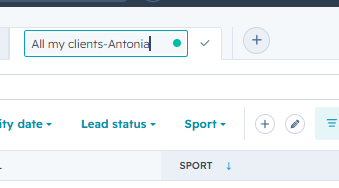
You can then click on Edit Columns on the right side. 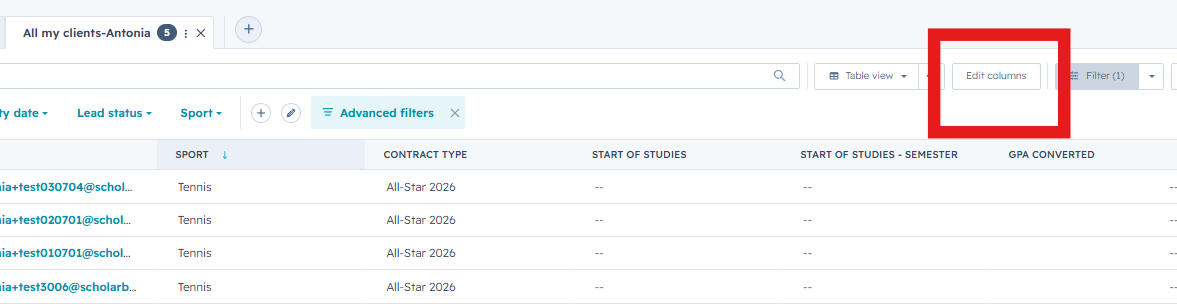
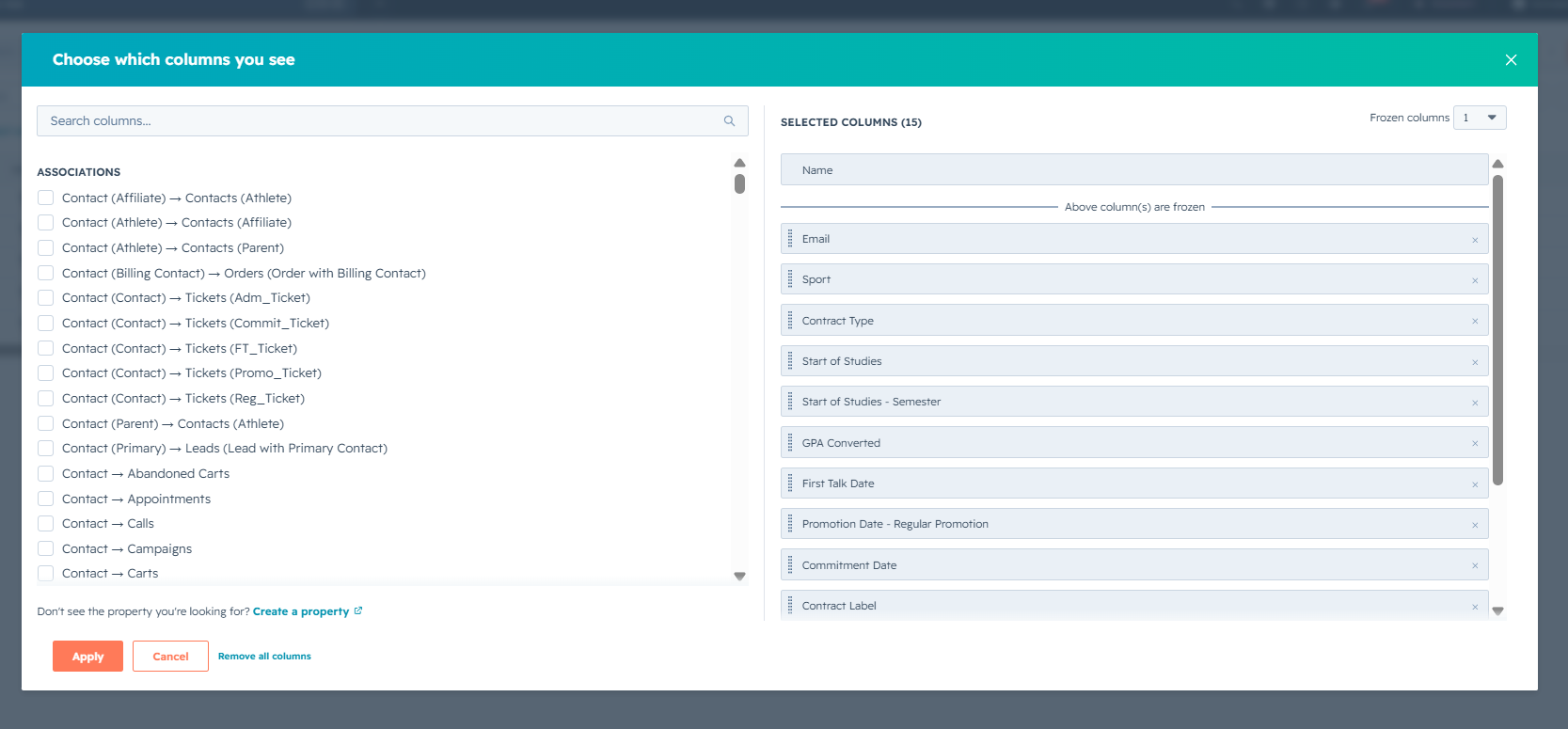
Here you can then add, remove or change the order of the columns to your preferation.