- Go to Settings

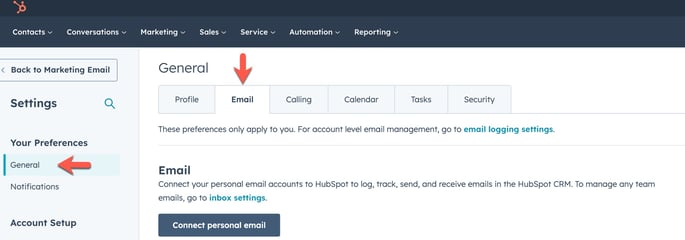
- In the left-side bar, click on General >> Email
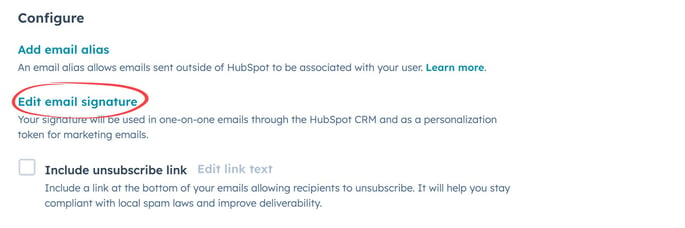
- Under Configure, choose Edit Email Signature
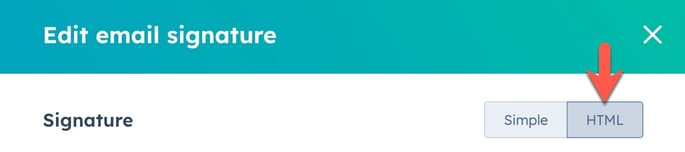
- Click on HTML on the top-tight of the module
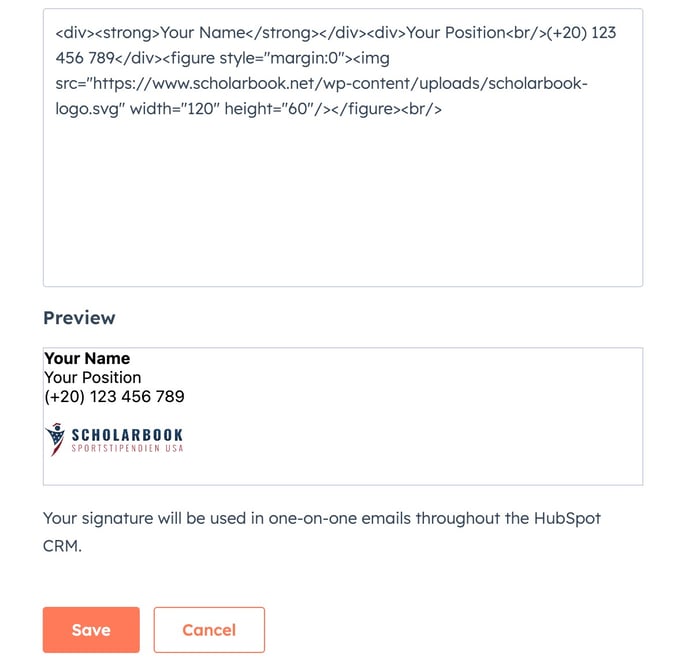
- Copy and Paste the text below in the input box and change Your Name, Your Position and Mobile Number. Then hit Save:
<div><strong>Your Name</strong></div><div>Your Position<br/>(+20) 123 456 789</div><figure style="margin:0"><img src="https://www.scholarbook.net/wp-content/uploads/scholarbook-logo.svg" width="120" height="60"/></figure><br/>