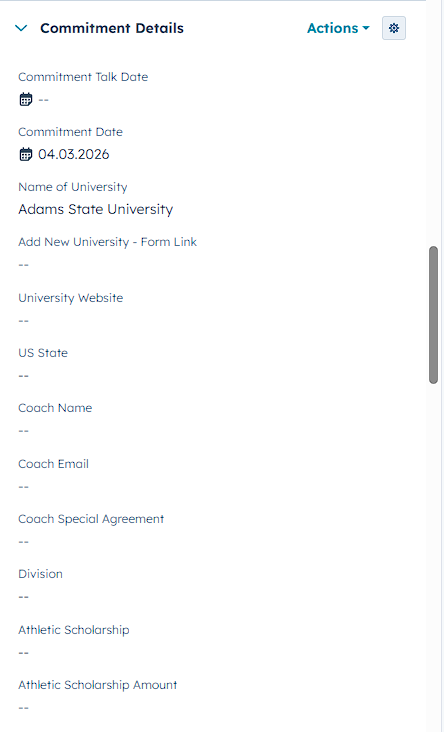
On your contact page, find the section Commitment Details in the left sidebar. (See screenshot below) Then fill out all the information in the section until you have completed everything.
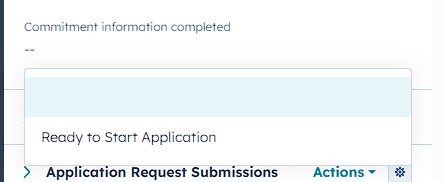
When you are done with the Commitment Details you can select Ready to Start Application in the property Commitment Information Completed. This then lets you fill out the Application Request for your client.