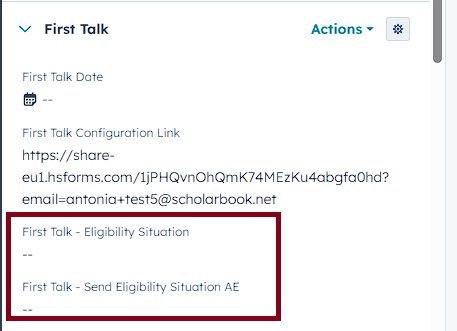
On your contact page, find the section First Talk and then the properties First Talk - Eligibility Situation and First Talk - Send Eligibility Situation AE in the left sidebar. (See screenshot below)
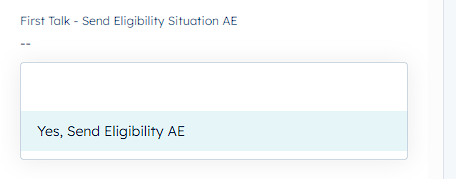
To send out the email please first select an option in the property First Talk - Eligibility Situation and then go to the property First Talk - Send Eligibility Situation AE and select Yes, send Eligibility Situation AE. (See screenshots below) 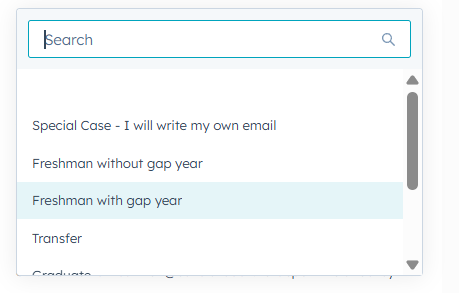
If none of the regular cases are fitting for your client please select Special Case - I willl write my own email. After selecting this please refresh.
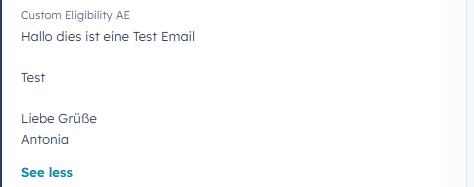
A new property named Custom Eligibility AE will be right below the First Talk - Eligibility Situation property. In this property please write your own text to your client and then select Yes, Send Eligibility AE. This will then send out the text you wrote in the Custom Eligbility AE property.