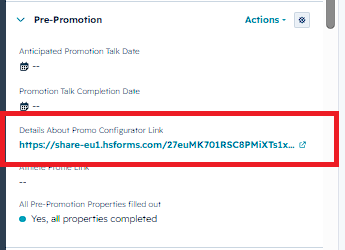
On your contact page, find the section Pre-Promotion and then the property Details About Promo Configurator Link in the left sidebar. (See screenshot below) Then open the link.
In the form please select if you want to send out the email right away or edit it. (See screenshot below)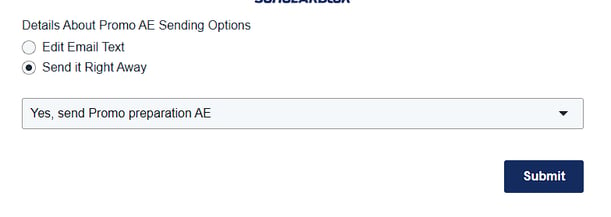
If you select Send it Right Away and hit submit it will send out the email without any changes.
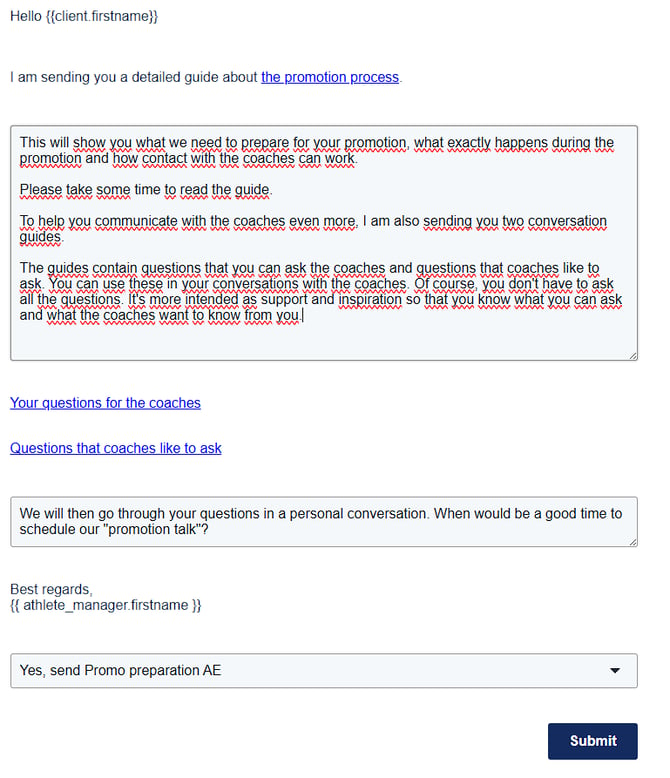
If you select Edit Email Text it will show all fields you can edit.
Please make sure to drag the box with the text down to see all of the text.
You can then make all of the changes you want to and hit submit.
It will send out the email with the changes that you made to the text.