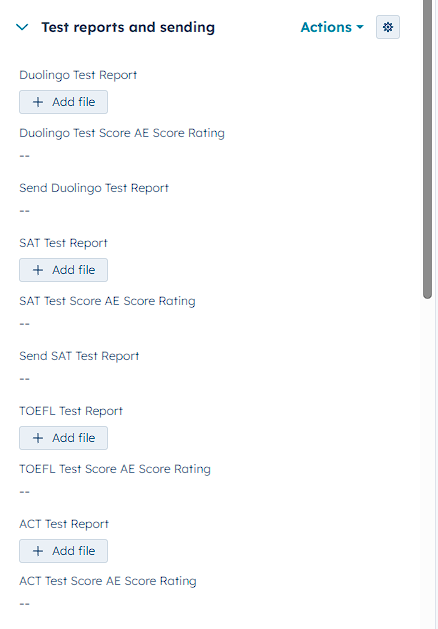
On your contact page, find the section Test reports and sending in the left sidebar. (See screenshot below)
To send out the test report to you client please:
1. Upload the test report (same for each type of test) in the upload field
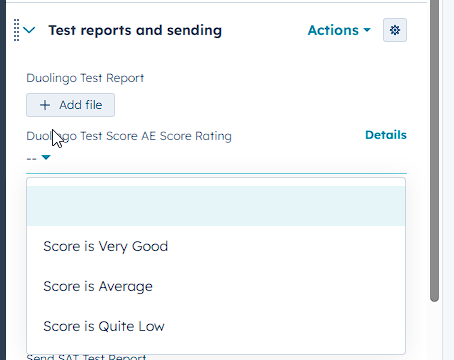
2. Select the Test score rating (See screenshot below) - this will change the content of the email that is sent to the client depending on what is selected.
3. Choose Yes, Send Test Report and it will send out the email to the client.