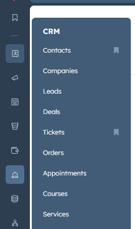
On your login page select CRM on the left side bar, then select Tickets. (see Screenshot below).
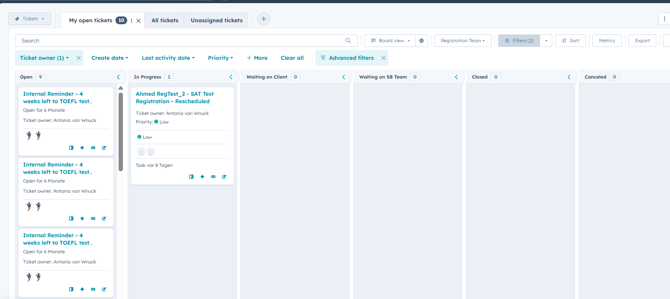
There you will be able to see all of your tickets and the current status of the tickets. (see Screenshot below)
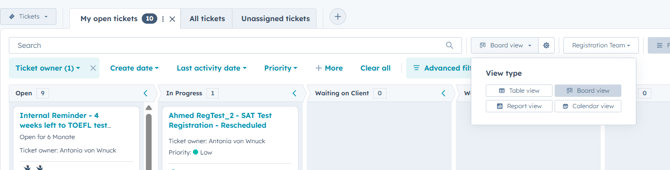
If you want to change how the tickets are displayed click on "Board View" and you can select your preferred way of displaying the tickets.