On your contact page, find the property Send Commitment Information Email in the left sidebar (under Send Commitment AEs, then set it to "Yes". This action triggers the email to your client. (See screenshot below)
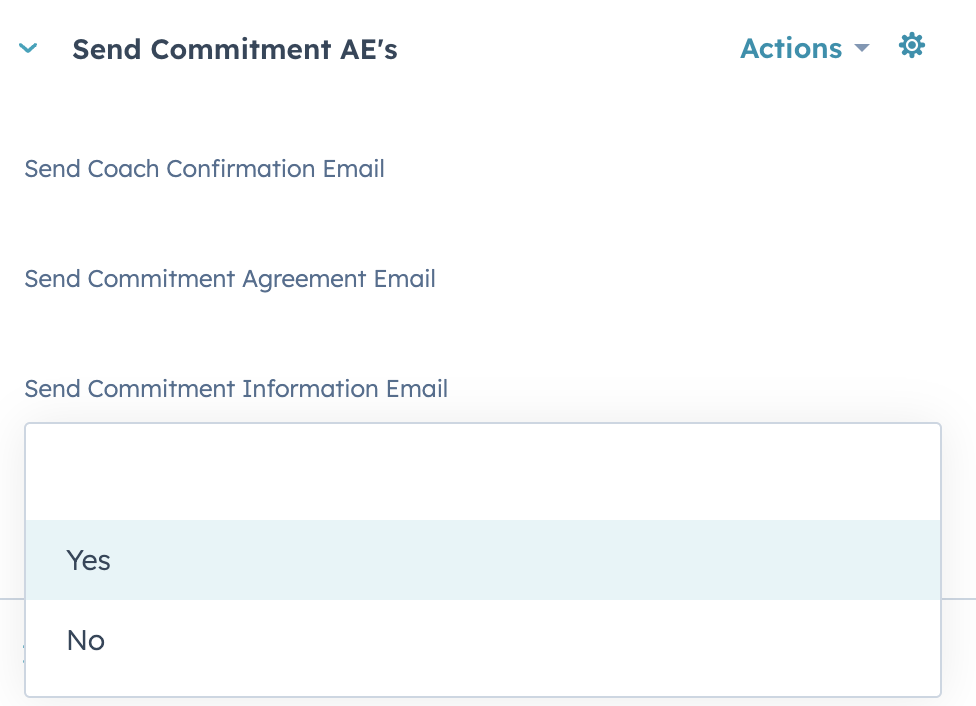

On your contact page, find the property Send Commitment Information Email in the left sidebar (under Send Commitment AEs, then set it to "Yes". This action triggers the email to your client. (See screenshot below)