***Please use incognito mode for this step of the process. We need to use incognito mode for all forms to prevent the browser from saving and auto-filling previously entered data. Since these forms are used multiple times, cached information could lead to incorrect or duplicated entries. Using incognito mode ensures that each submission starts with a clean session and accurate data input.***
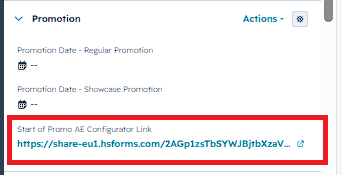
On your contact page, find the section Promotion and then the property Start of Promo AE Configurator Link in the left sidebar. (See screenshot below) Then open the link.
In the form please select if you want to send out the email right away or edit it. (See screenshot below)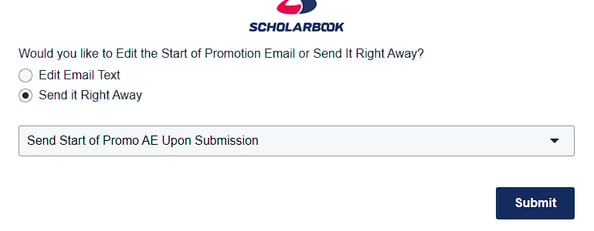
If you select Send it Right Away and hit submit it will send out the email without any changes.
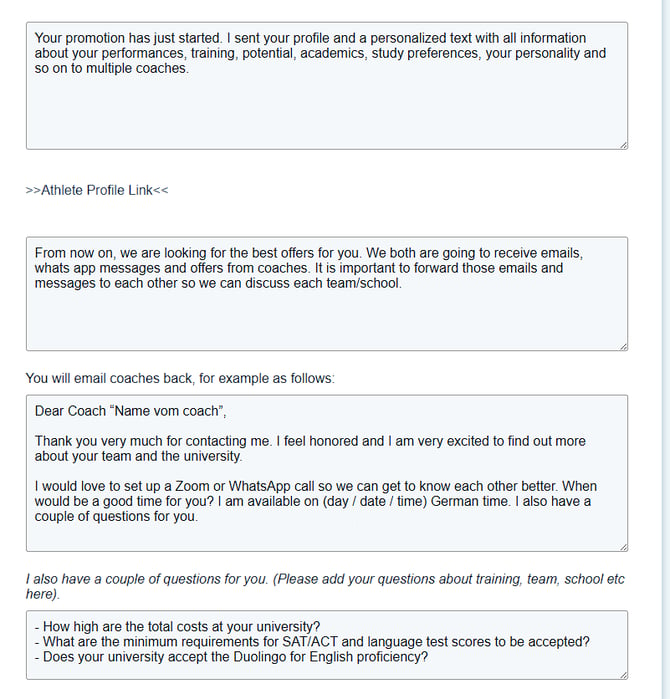
If you select Edit Email Text it will show all fields you can edit.
Please make sure to drag the box with the text down to see all of the text.
You can then make all of the changes you want to and hit submit.
It will send out the email with the changes that you made to the text.